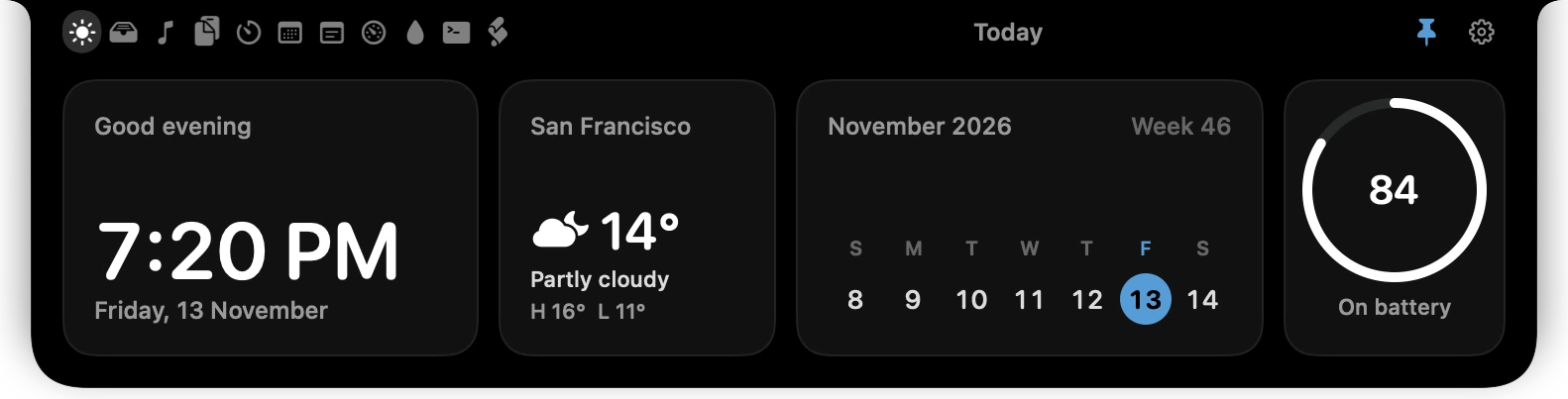
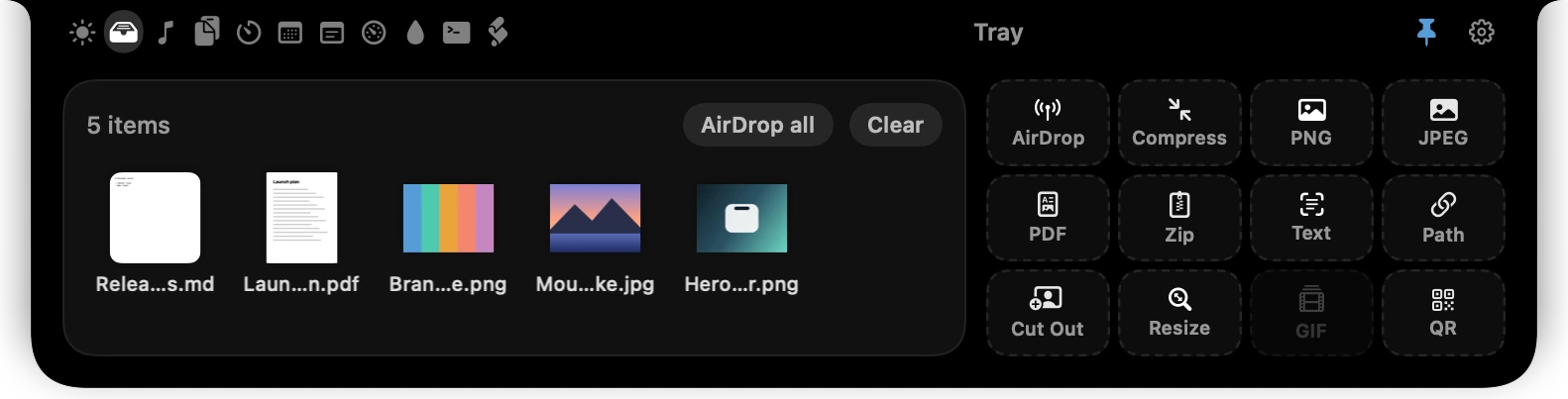
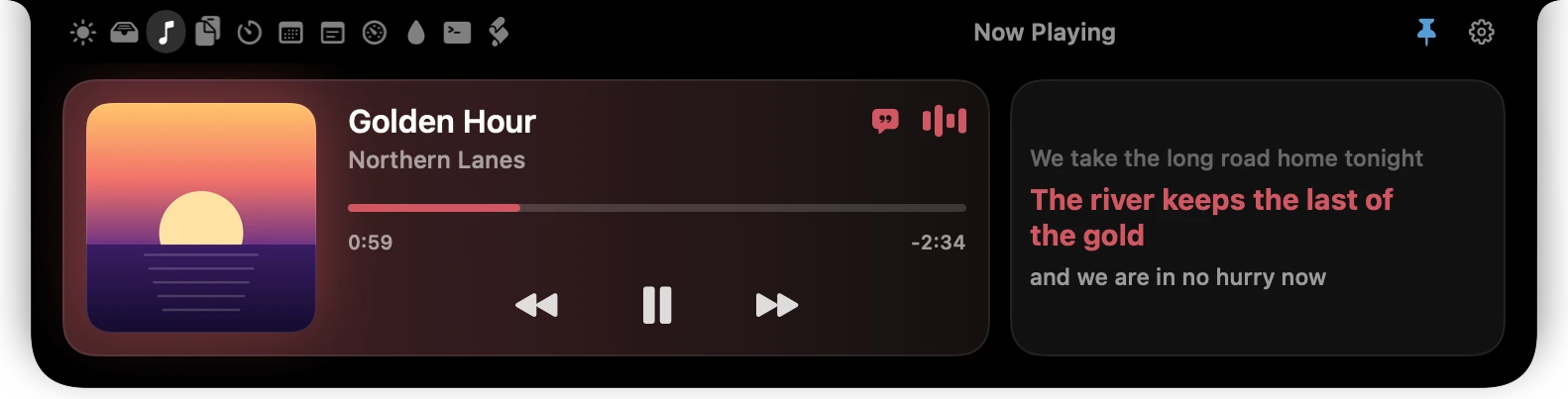
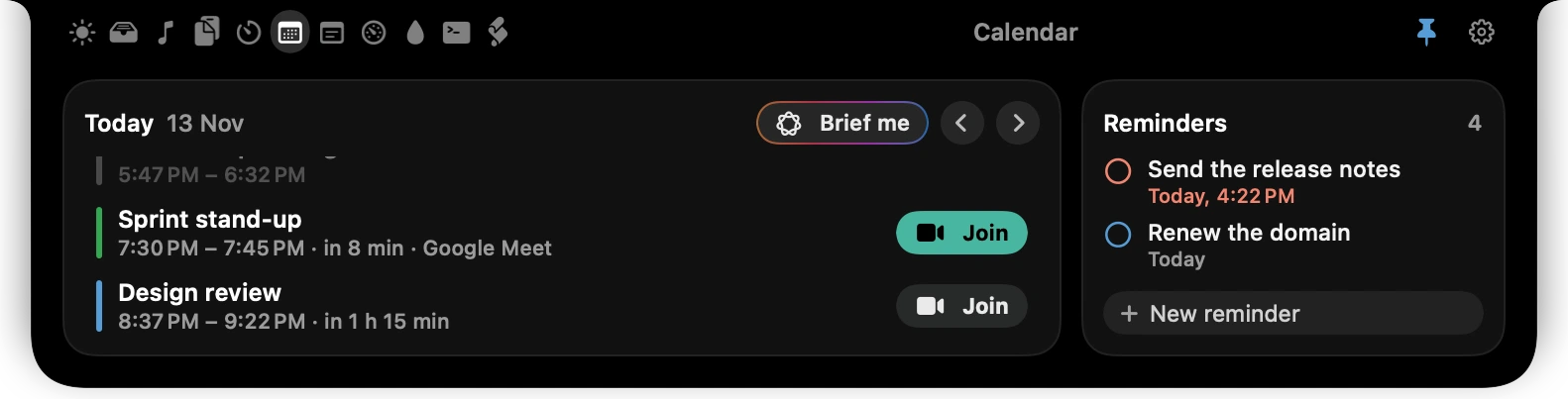
01 / 05 · Today
Your day, one glance up.
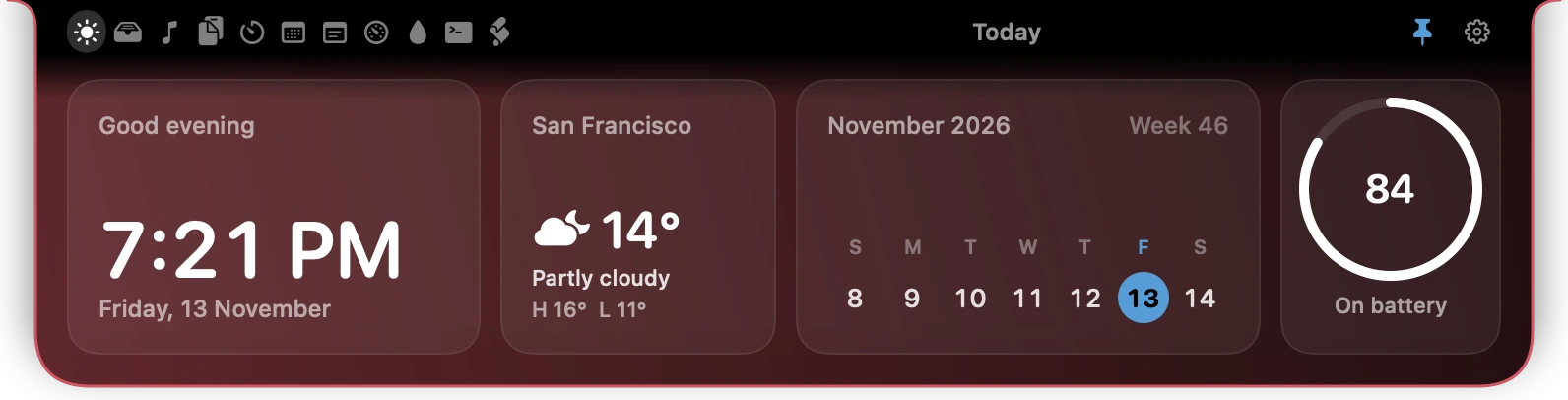
The time, the weather for a city you choose, the month and your battery. No location permission involved.
Loading...
Free · macOS 26 · Apple silicon
Notchwell turns the dead space at the top of your MacBook into a place for files, music, clipboard, timers, your calendar and your coding agents.
v1.0.0 · 5.7 MB · macOS 26+ · Apple silicon
01 / 05 · Today
The time, the weather for a city you choose, the month and your battery. No location permission involved.
02 / 05 · Tray
Park files in the notch, then AirDrop, compress, convert, zip, cut out the subject or pull the text out. Twelve actions, one drop each.
03 / 05 · Now Playing
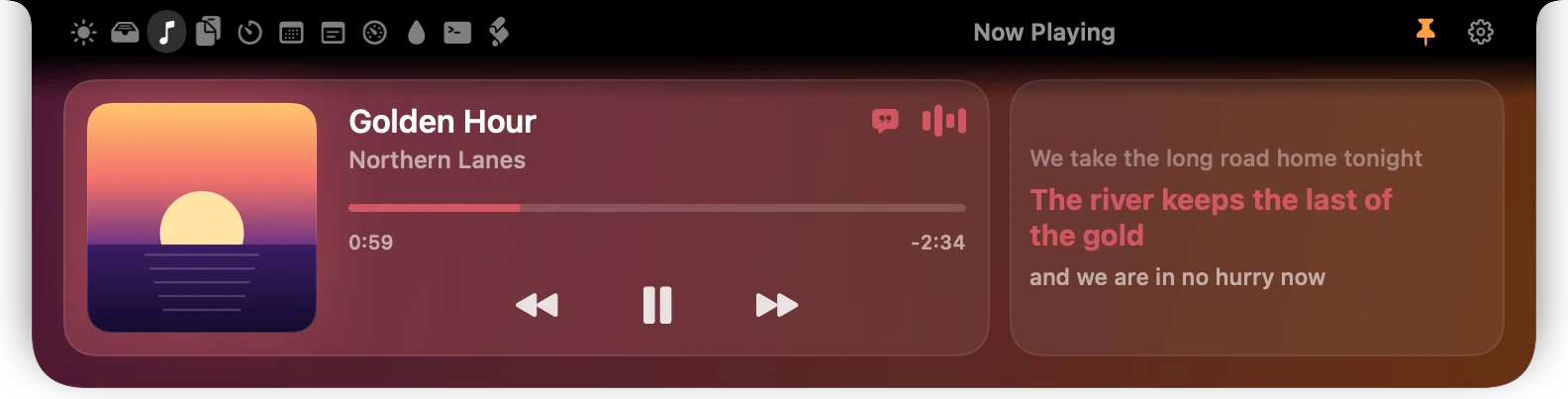
Artwork, controls and a scrubber for whatever is playing, with time-synced lyrics when the song has them.
04 / 05 · Calendar
Today’s events and reminders, a countdown to the next one, and a Join button for Zoom, Meet, Teams and Webex links.
05 / 05 · Agents
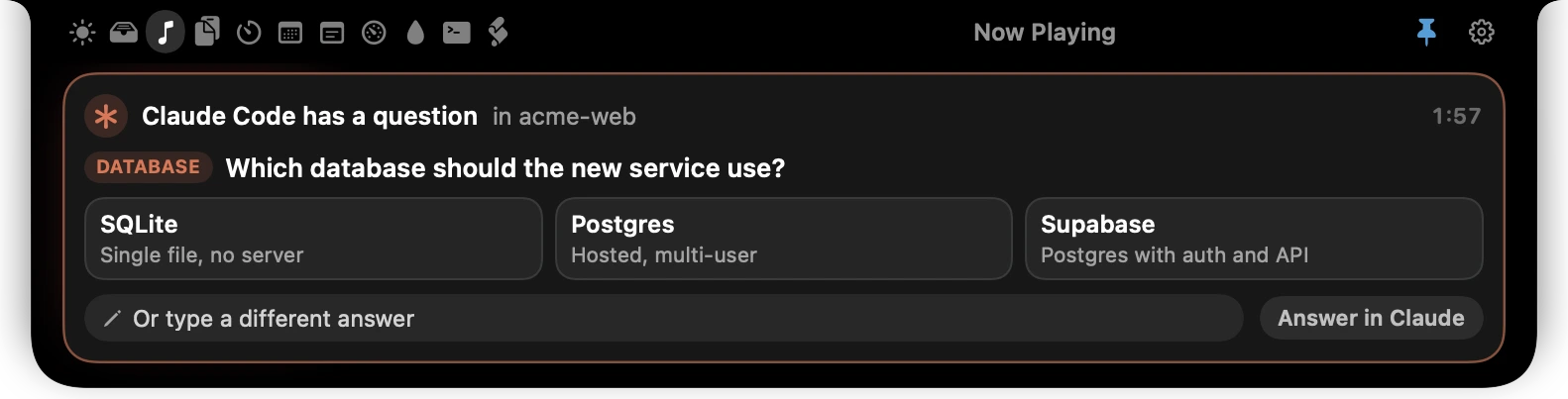
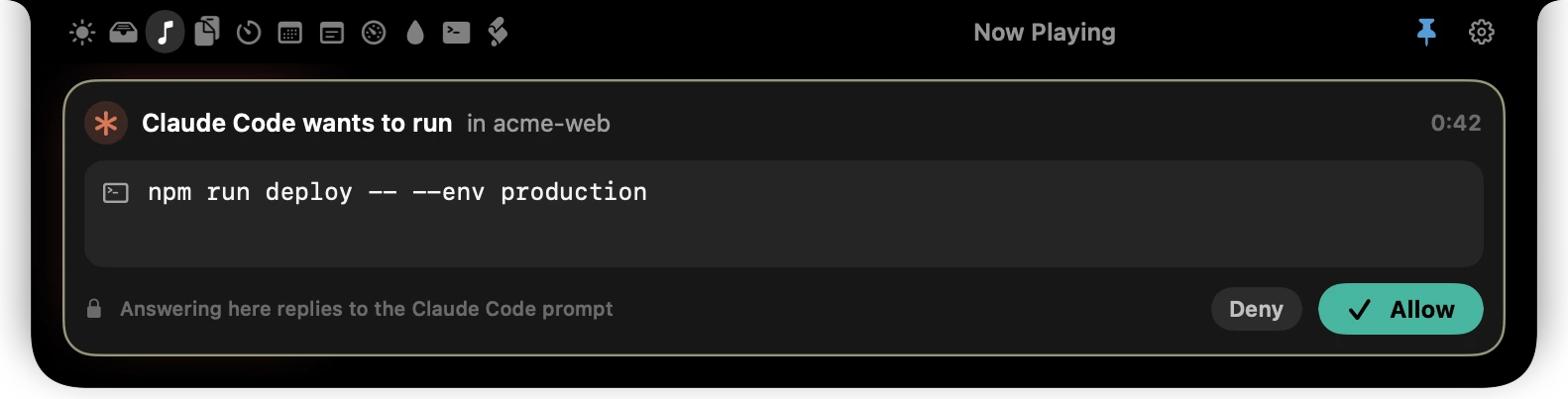
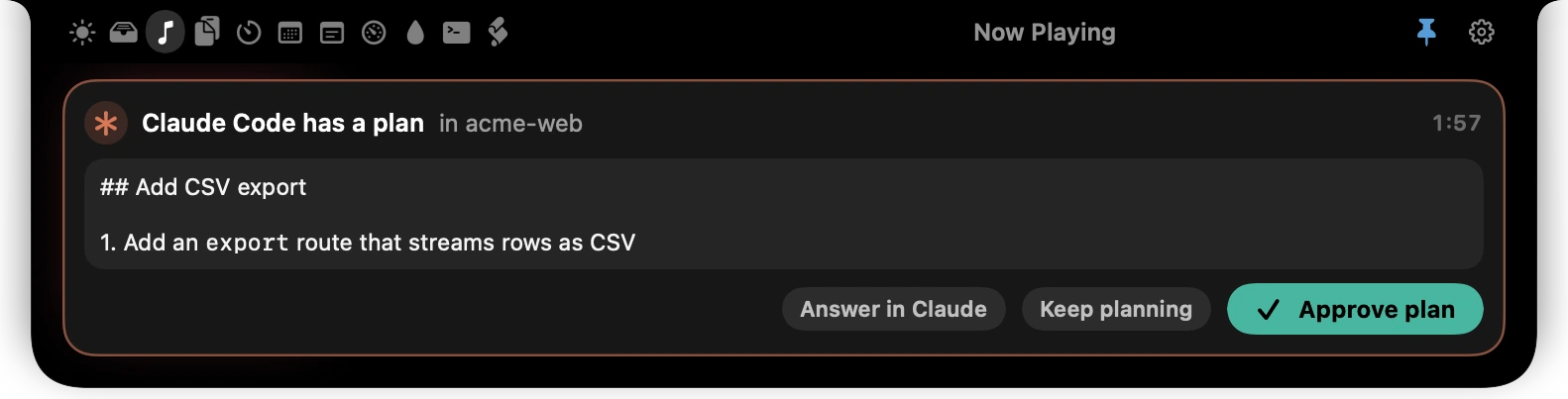
When Claude Code or Codex needs you, the question arrives in the notch: approve a command, pick an option, or send a plan back.
Closed notch
Most of the time you never open it. Whatever is happening sits beside the camera for a moment, then gets out of the way.

Artwork and a level meter while something plays.

Progress for a build or deploy, sent from your terminal.

A short alert when the job ends, pass or fail.

The countdown keeps ticking beside the camera.

Plugged in, charging level and low-battery warnings.
Also beside the camera: volume and brightness, Caps Lock, Focus, download progress, headphone battery and the microphone or camera being in use.
Try it here
This is the app’s welcome window, running in your browser. Click through it: your choices stay on this page and go nowhere.
The notch, put to work. Files, music, clipboard, calendar and your coding agents, one hover away.
Appearance
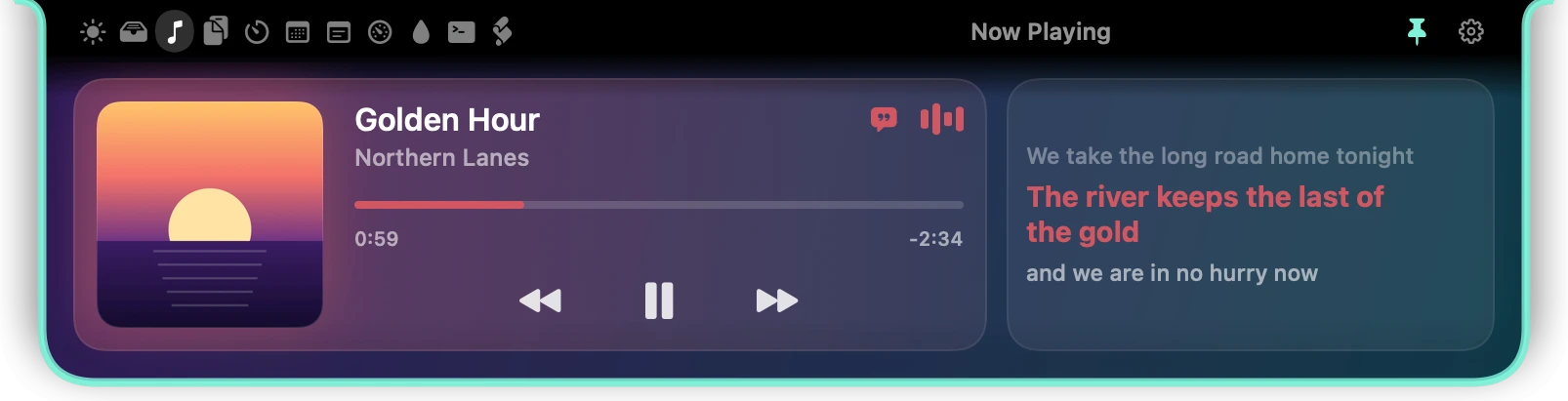
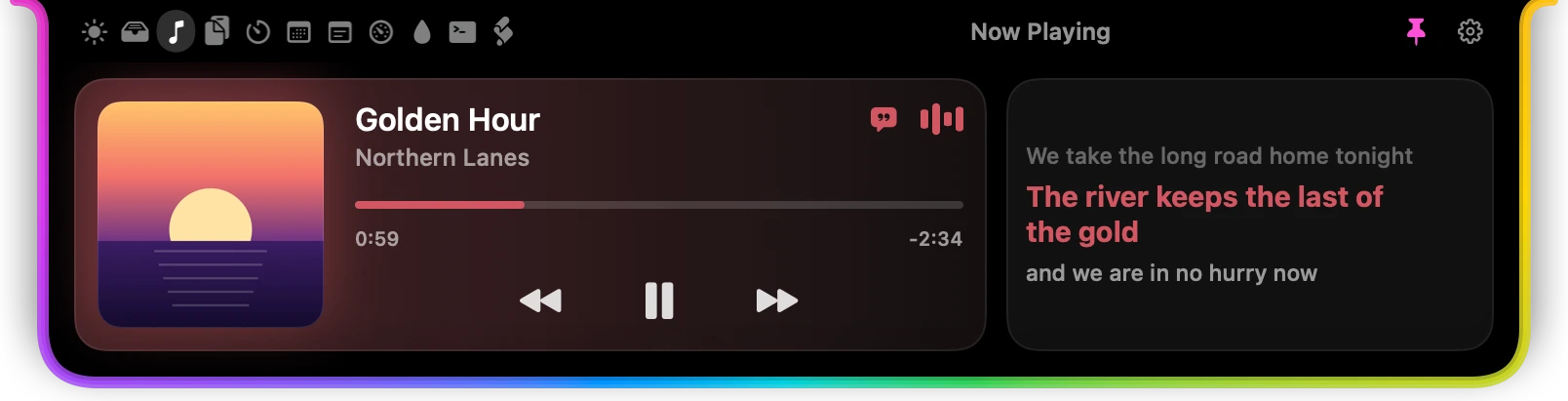
Pick a look, then tune it: the background, the outline and its glow, corner roundness, the open and close motion, and an accent colour for the whole app. Colour can follow the album art.
Also included: Liquid Glass, Minimal.
For developers
A command-line tool ships inside the app. Builds, deploys, tests and agents report to the one place you can always see.
And more tabs
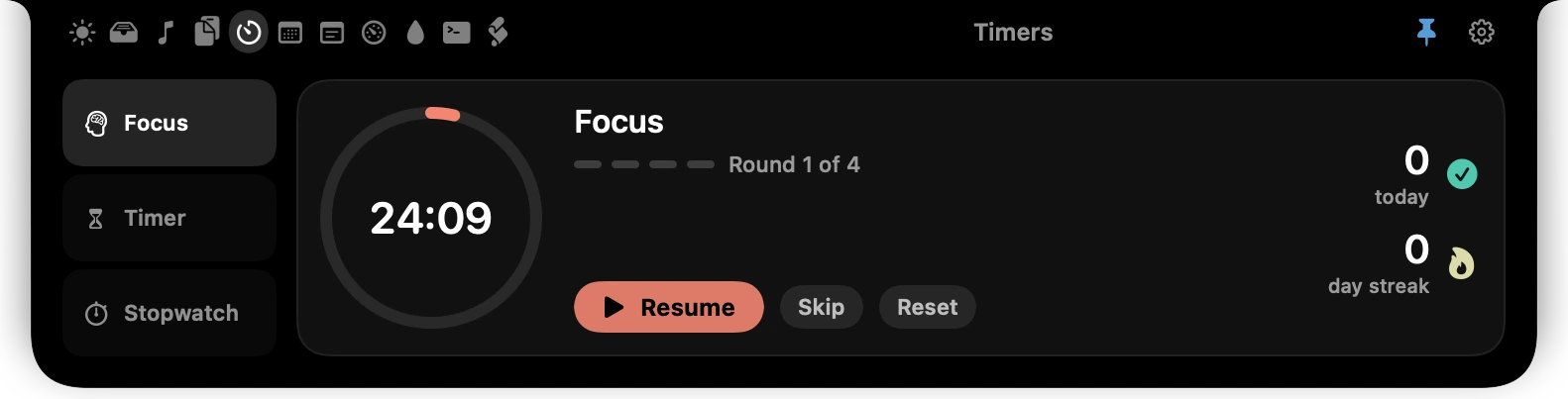
TimersPomodoro rounds, a countdown and a stopwatch.
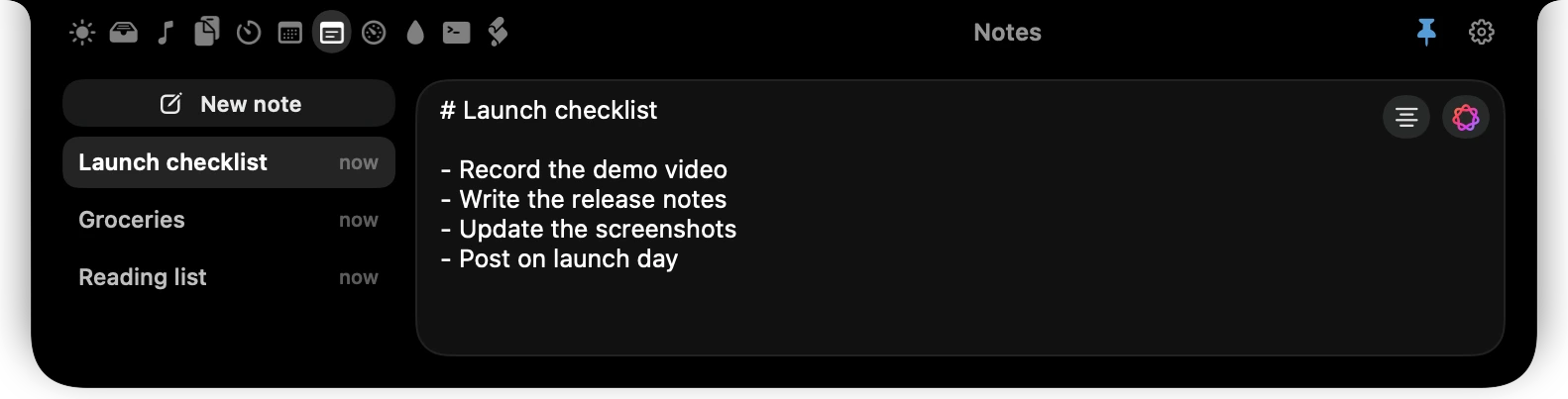
NotesMarkdown notes, optionally kept in iCloud Drive.
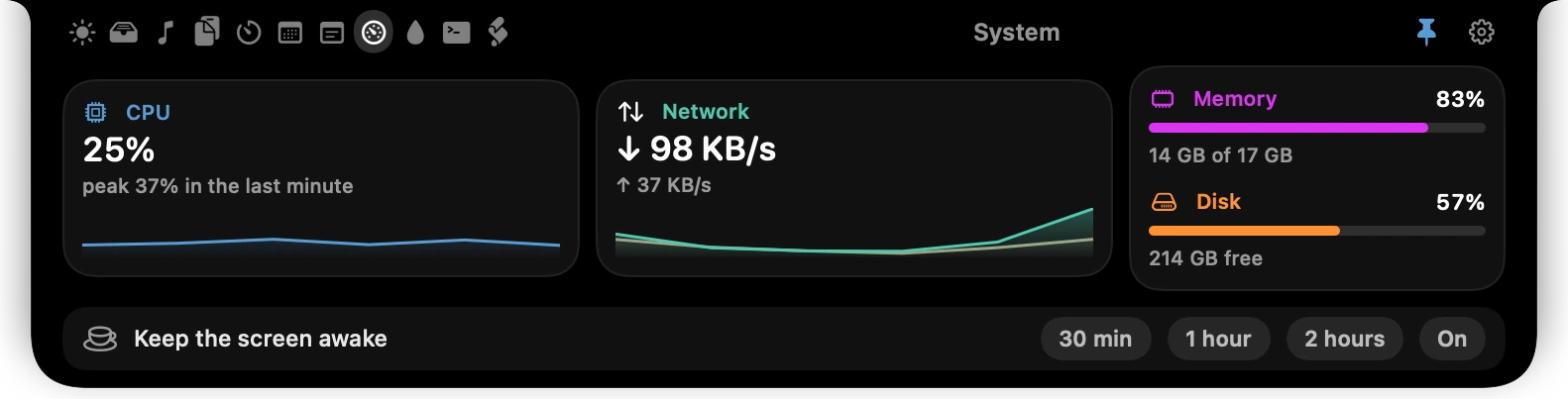
SystemCPU, memory, network and disk, plus keep-awake.
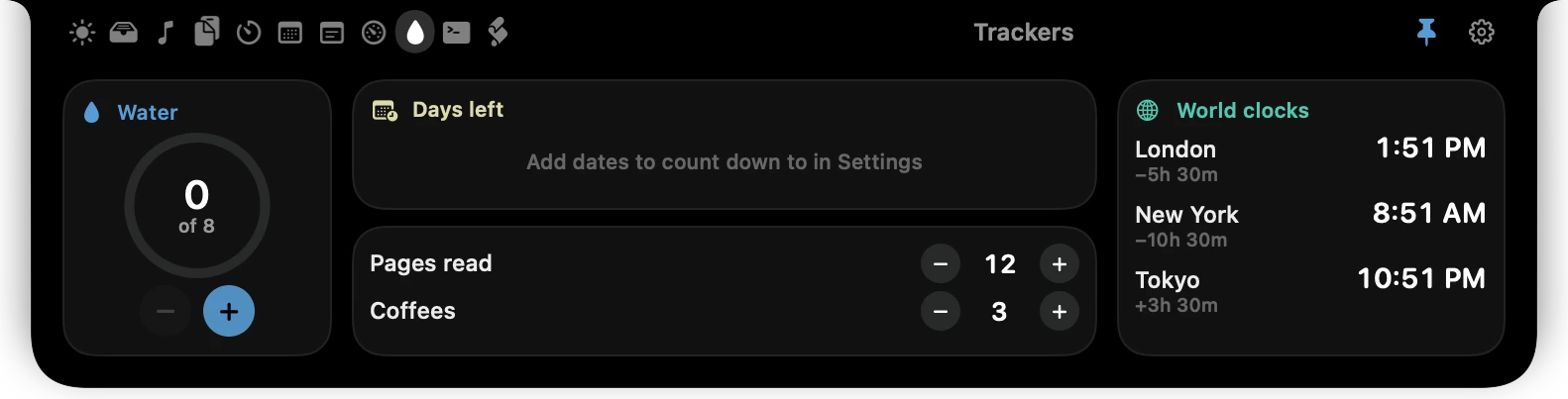
TrackersWater, counters, days-left and world clocks.
Agent plansRead a coding agent’s plan, approve it or send it back.
Everything in the well
Every tab can be reordered or switched off, so the notch holds only what you use.
Quiet by design
Notchwell is written in Swift for the Mac it runs on. It does its work on your machine and stays cheap enough to forget about.
Nothing to sign up for and nothing reporting back. The network is used only by the features that need it: lyrics, weather and build status.
History lives in a local database only your user can read. Copies that password managers mark as concealed are never stored.
Clipboard, Notes and Browser cover themselves while your screen is being shared.
Nothing is requested at launch. Calendar, camera and the rest are asked for when you switch that feature on.
No trial, no account, no paid tier. Confirm your email, download the app and use every feature on this page.
v1.0.0 · 5.7 MB · macOS 26+ · Apple silicon
d14831ce0639da9064563cb8f60216d08c86133790d3ec1ecaea00198428433eVerify with: shasum -a 256 Notchwell-1.0.0.dmg
Double-click the download and drag Notchwell into Applications.
This build is not yet notarised by Apple. If macOS blocks the first launch, click Done (not Move to Bin), open System Settings › Privacy & Security, scroll to Security and click Open Anyway next to "Notchwell was blocked…", then confirm with your password or Touch ID.
Move the pointer to the notch. It opens; everything else is in Settings.
Questions